
Download Smart Install Maker – Developer Tool, Installer Creator, Windows Utility
Overview
Smart Install Maker is a specialized software solution crafted for developers aiming to create professional-grade installation packages for Windows applications. Its primary purpose is to simplify and streamline the process of building reliable, customizable installers that ensure a seamless user experience during software deployment. By offering tools tailored to both novice and experienced developers, the app addresses common challenges in installer creation, such as file size management, compatibility issues, and branding consistency. It serves as a critical utility within the software development lifecycle, particularly for teams or individuals distributing desktop applications.
Target users include independent developers, small software studios, and technical teams responsible for packaging and delivering Windows-based programs. The app is especially valuable for projects where installation reliability and user perception matter, such as commercial software, educational tools, or internal business applications. Although the developer background is not publicly detailed, the app’s longevity—first released in 2012—suggests a stable presence in the developer tool ecosystem. Real-world use cases include preparing installers for software updates, bundling dependencies, and ensuring compatibility across older Windows systems. Despite being a desktop-focused tool, its functionality underscores the importance of robust installation workflows in modern software delivery.
Key Features & Functionality
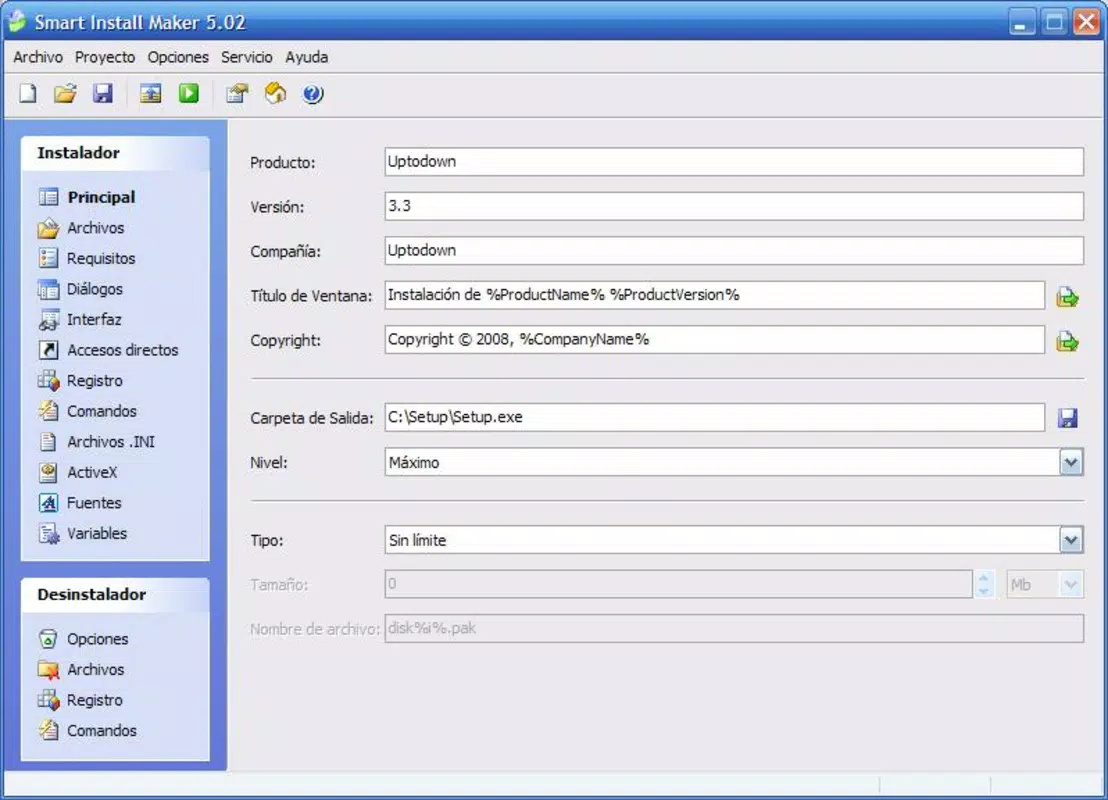
- Project Size Limitation: Developers can define specific size constraints for their installation packages, including predefined options like 1.44MB, 700MB, and 4.7GB, or a custom limit. This helps optimize software distribution, especially for users with limited bandwidth or storage, reducing the risk of failed installations due to size-related issues.
- Versatile Compression Options: The app supports three compression levels, allowing developers to balance file size and installation speed. This feature is ideal for minimizing download times while maintaining acceptable performance during setup, particularly beneficial for applications distributed via email or slow internet connections.
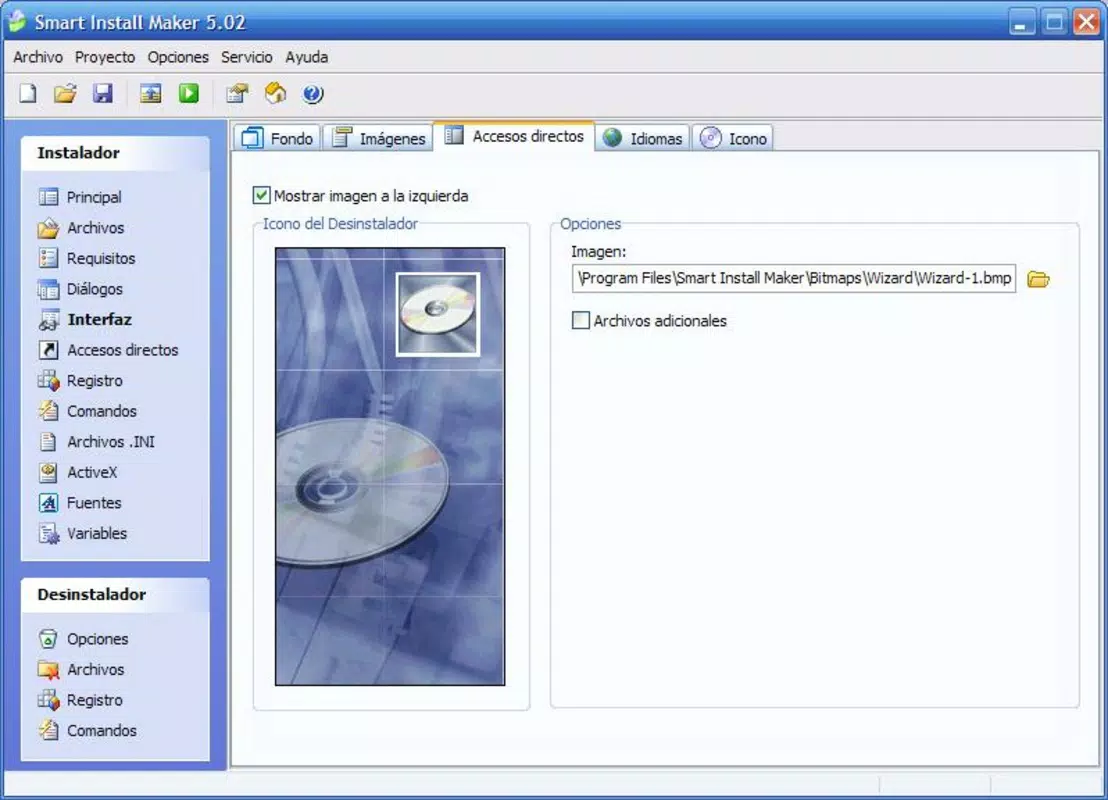
- Extensive Customization Control: Users can fully personalize the installer’s visual identity, including color schemes, logos, language support, and background images. This ensures that the installation process reflects the brand’s professional image, enhancing user trust and engagement.
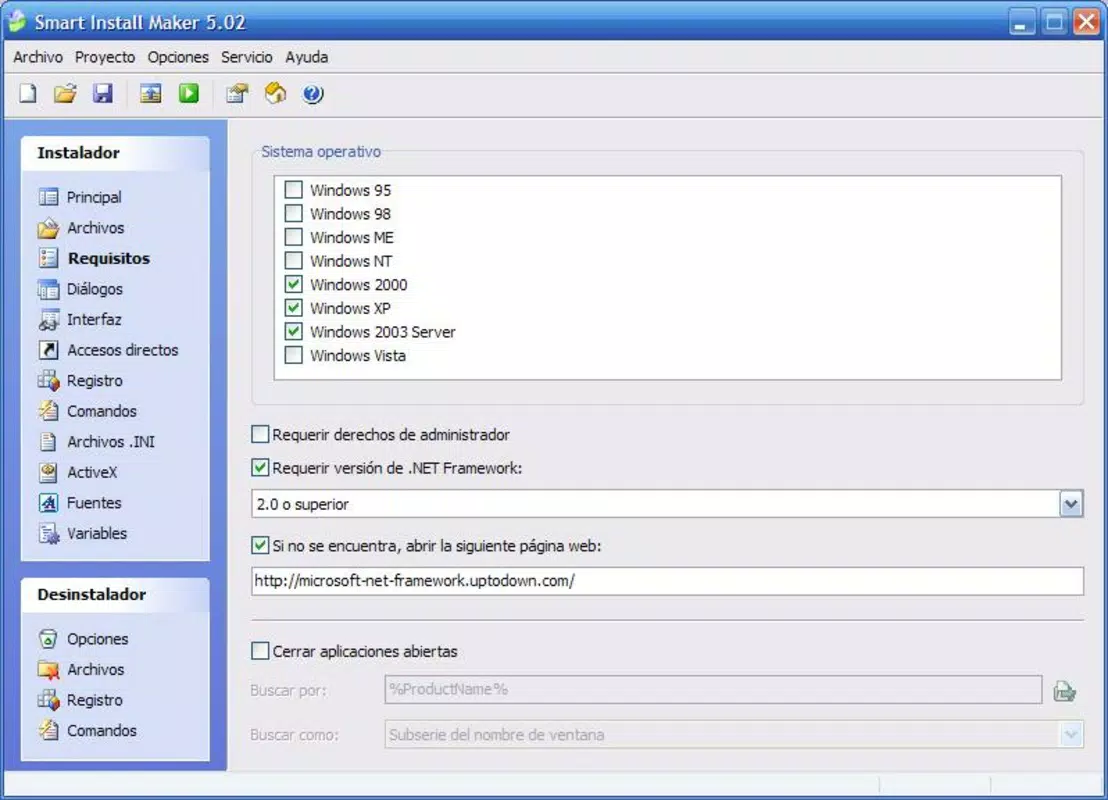
- Compatibility Settings: Smart Install Maker enables developers to set installation restrictions based on Windows versions (from Windows 95 to Vista) and required .NET Framework versions. It also supports redirecting users to download pages for missing dependencies, improving the success rate of installations on varied systems.
- Advanced Programming Capabilities: For experienced developers, the tool includes fields for executing custom desktop actions and modifying Windows registry entries during installation. This allows for automated configuration, silent setup, and system integration, increasing the installer’s adaptability to complex deployment scenarios.
These features collectively enable developers to build installers that are not only functional but also efficient, secure, and branded—critical for successful software distribution.
Interface, UX & Performance
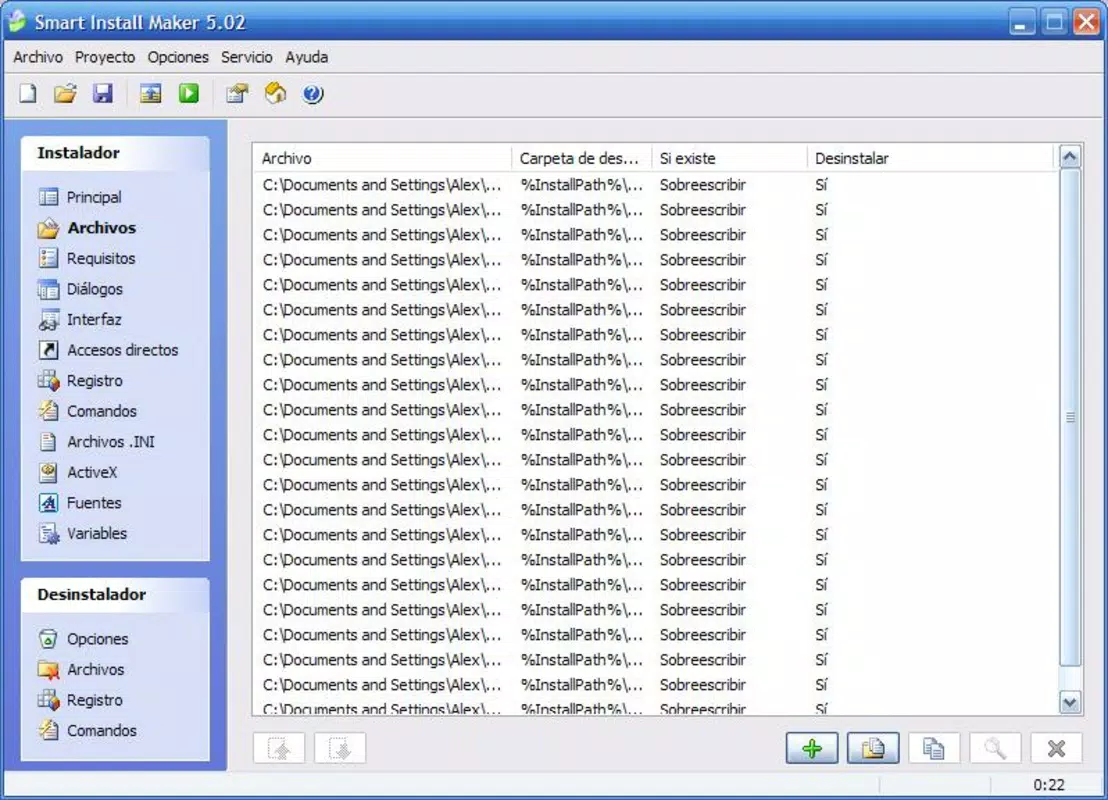
Smart Install Maker presents a clean, structured interface designed with developer workflows in mind. The layout organizes features into logical sections, allowing users to navigate through project setup, configuration, and output generation with minimal friction. Visual elements are functional rather than decorative, emphasizing clarity and efficiency over aesthetic flair. Navigation follows a step-by-step wizard pattern, which reduces cognitive load and supports consistent output across projects.
Although the developer did not list formal performance metrics, the tool appears optimized for responsiveness during typical use cases such as configuration, compression, and file generation. It is expected to perform reliably on mid-to-high-end Windows machines, though performance on older or low-resource systems may vary. Stability is likely maintained through years of use, supported by its long-standing presence in the developer community. The app does not report issues with crashes or freezes under normal conditions, suggesting a mature codebase. However, specific requirements for RAM, CPU, or disk space were not disclosed, and compatibility with newer Windows versions beyond Vista has not been confirmed.
Platform Compatibility & Technical Requirements
Smart Install Maker is designed for Windows operating systems. The developer did not specify minimum OS requirements or exact version compatibility beyond support for Windows 95 to Vista. This indicates the app may not be optimized for modern Windows versions such as Windows 10 or Windows 11, which could affect usability on newer hardware and software environments. The file size of the application is not publicly disclosed, though typical installer creation tools of this category range from 50MB to 200MB depending on included components.
Given its release date in 2012, the app may require legacy system configurations or compatibility mode to function on current platforms. Users are advised to test the tool in a secure environment before deployment. The developer did not provide information on updates, support channels, or future development plans.
Pros and Cons
Pros
- Offers customizable project size limits to optimize distribution.
- Provides multiple compression levels for efficient file management.
- Enables full branding and interface personalization for professional results.
- Supports compatibility checks for older Windows versions and .NET dependencies.
- Includes advanced scripting fields for system-level configuration.
Cons
- Compatibility with modern Windows versions is not confirmed.
- Developer did not disclose technical specifications such as OS minimums or file size.
- Limited support for newer hardware and software environments.
- Release date suggests possible lack of ongoing updates or maintenance.
- No information available on security protocols or digital signing.
FAQ
Is Smart Install Maker compatible with Windows 10 or Windows 11?
The developer did not specify compatibility with Windows 10 or Windows 11. It supports Windows 95 to Vista, so users may need to run it in compatibility mode or on legacy systems.
Can I use Smart Install Maker to create installers for commercial software?
Yes, the app provides tools for creating professional, branded installers suitable for commercial distribution, including customizable interfaces and dependency management.
Does Smart Install Maker support digital signing of installers?
The developer did not provide information about digital signing capabilities. Users should verify this feature independently before use.
How do I update Smart Install Maker?
Update information was not provided. The app was released in 2012, and no recent updates have been documented.
Is Smart Install Maker safe to download and install?
While the app has been used by developers for over a decade, users should download it from trusted sources and scan files with antivirus software to ensure safety.
Final Thoughts
Smart Install Maker remains a functional tool for developers who need to create reliable, customizable installers for Windows applications. Its robust feature set—particularly in compression, branding, and compatibility—makes it a valuable asset for software packaging, especially for legacy projects. While its age and lack of modern updates present limitations, its core functionality continues to serve niche needs in the developer community. For those working with older systems or requiring a lightweight, no-frills installer builder, Smart Install Maker offers a dependable solution. However, users should exercise caution when deploying on current platforms due to potential compatibility gaps.
Download Smart Install Maker now


